Document to PDF creation tool for mobile
Document Scanner (Made in India) PDF Creator is a free document management application that was developed Lufick for mobile devices. This app serves as both a tool to scan physical documents, as well as letting users create PDF files with it regardless of how many pages needed to be compiled together.
Top Recommended Alternative

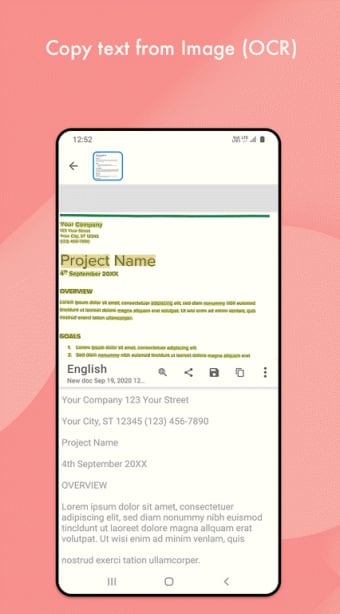
Document Scanner (Made in India) PDF Creator works in a similar way to CamScanner or Tiny Scanner when it comes to simplifying the process of turning documents into PDFs. What makes it stand out, though, is that it also offers various editing tools that can help enhance elements like text and images for better results.
How does it work?
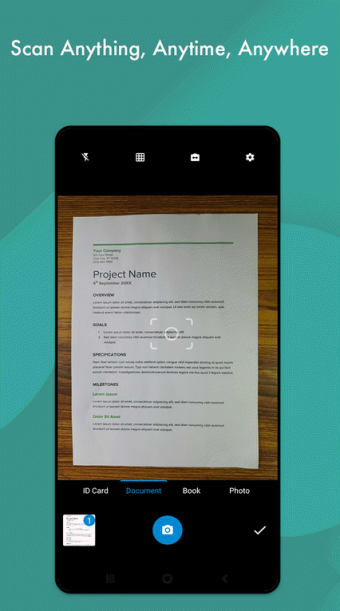
As far document scanners are concerned, Document Scanner (Made in India) PDF Creator looks and feels like any other, with a simple and camera-like user interface that will let you scan documents right away. It's a point-and-shoot affair and you will just need to line your documents properly inside the frame before taking capturing. They get cropped and you get a preview before you proceed to create a PDF.
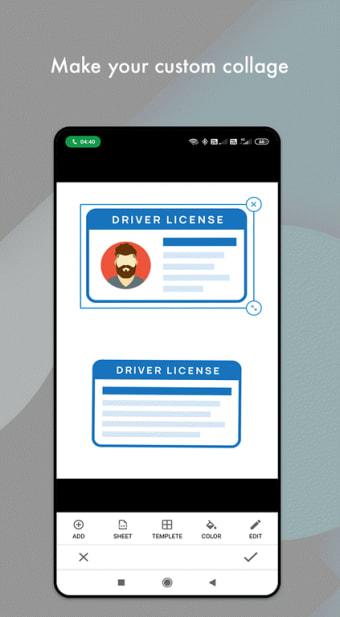
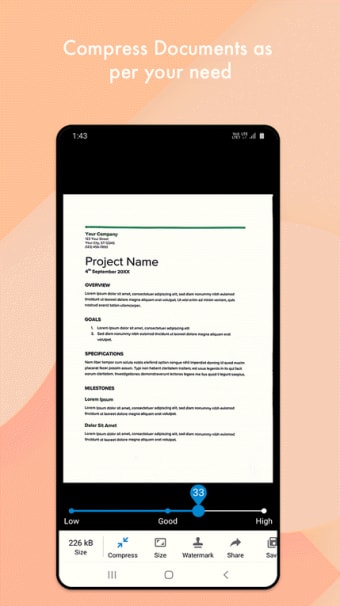
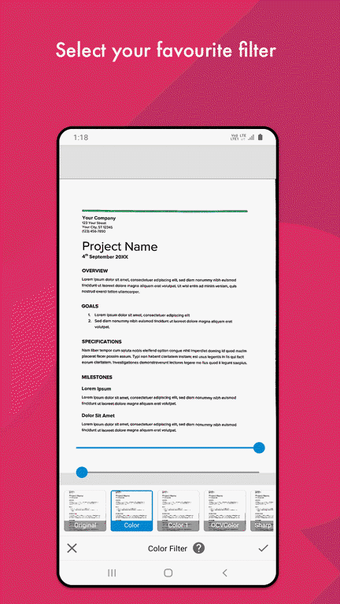
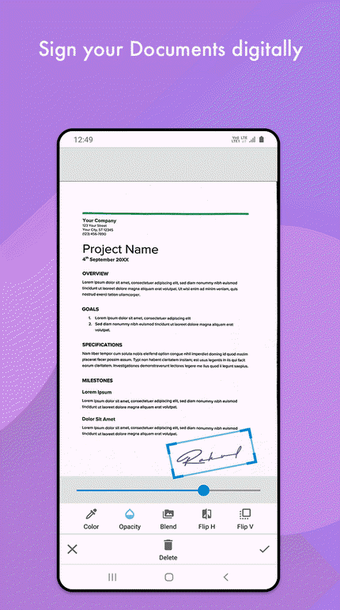
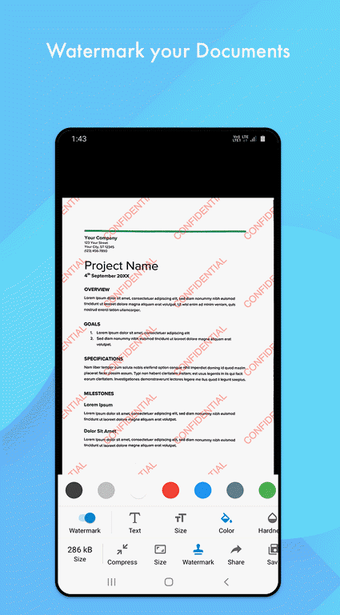
Document Scanner (Made in India) PDF Creator also comes with various editing tools and options that will let you enhance your images. Some enhancements like smart cropping and sharpening are applied automatically. You do get to play around with other options, though, like color adjustments and resizing. You can opt to export scanned documents as JPEG or print them directly from the app if you want.
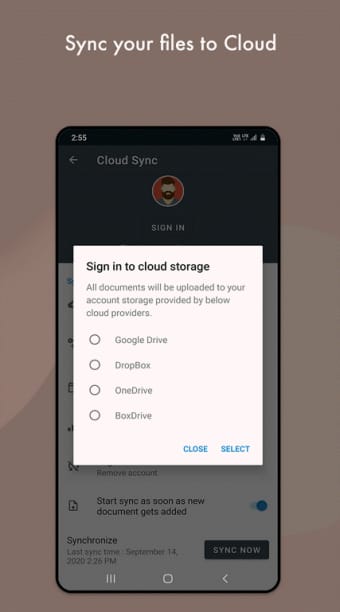
For sharing purposes, you can create a QR code for others to scan and be able to have a copy of your created PDFs. Alternatively, you can also upload them to cloud storage and do the same from there. One area where the app stumbles, though, is with performance. Scanning and saving documents can take a long time to process. The same goes when you apply various changes and adjustments.
A handy and robust document scanner
In summary, if you're looking for a document scanner that can help you capture and save documents, give Document Scanner (Made in India) PDF Creator a try. Not only is it easy to do, but it also has a PDF creator option already built-in. Add to that the various editing tools and enhancements that you can make, and this one is a no-brainer recommendation.